Release
PlanIt Earth now runs in your browser
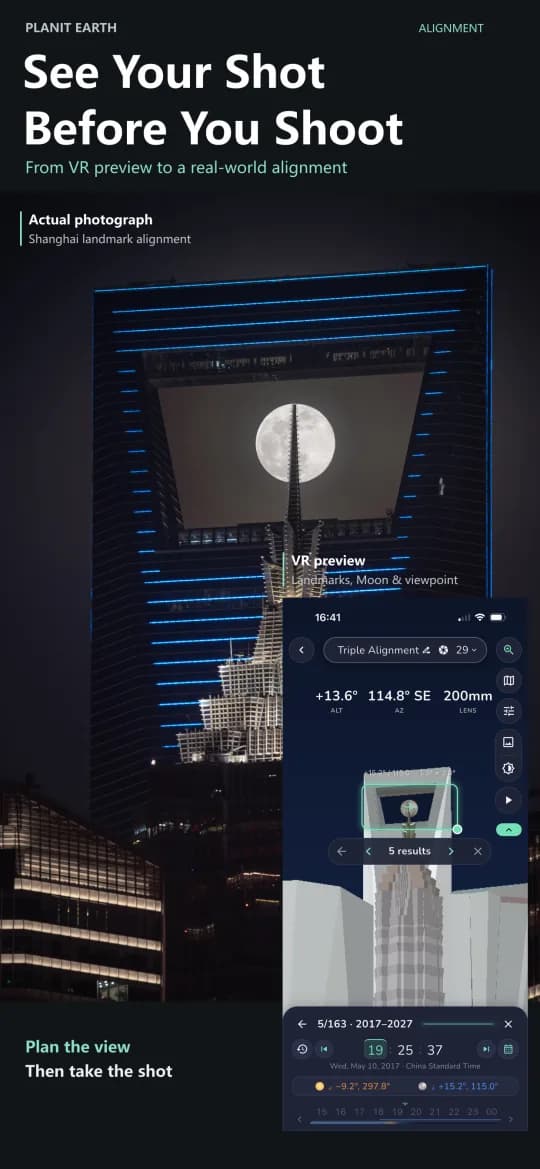
The full Earth planner — VR viewfinder, ephemeris, plans and markers — now opens in a browser, signed in with the same PlanIt account.
PlanIt Earth is no longer something you install first. Open app.planitphoto.com/earth-app and the planner loads in the browser, signed in with the PlanIt account you already use on your phone and desktop.
What works
- The full planner. Sun, Moon, Milky Way, eclipses and satellites for any location and date, with the same ephemeris the native apps use.
- Your plans and markers, synced through your PlanIt account — start a plan on the web and finish it in the field.
- PlanIt+ — if your account has it, it applies here too. Nothing to buy again.
What doesn't, yet
USB camera control needs hardware access a browser does not grant, so the Shooting tools stay in the desktop and mobile apps.
Getting started
Sign in at your account page, then open the web app. If you have never made a PlanIt account, you can create one on the same page — it works across PlanIt Earth, PlanIt Live and PlanIt Pro.